Support and success
Answer customers quickly without sounding like a macro.
Press one hotkey in any Mac app and get context-aware replies that sound like you.
Free plan · No credit card · Nothing sends automatically
Pro $9/month, or $7.20 billed yearly · 30-day refund
Only reads what you select
Your voice
WriteButler reads how you already talk in the thread, then uses your writing samples and approved replies to fill in the rest. The result fits both you and the person you are answering.
How you write
Paste 3-5 messages you’ve actually sent.
yep can check tomorrow
should be quick, will update here
yep, i can take it tomorrow morning and post notes here
How it works
Press one hotkey, select the context, and choose the reply that fits. No app switching, no integrations, and nothing sends automatically.
How it works
Press one hotkey, select the context, and choose the reply that fits. No app switching, no integrations, and nothing sends automatically.
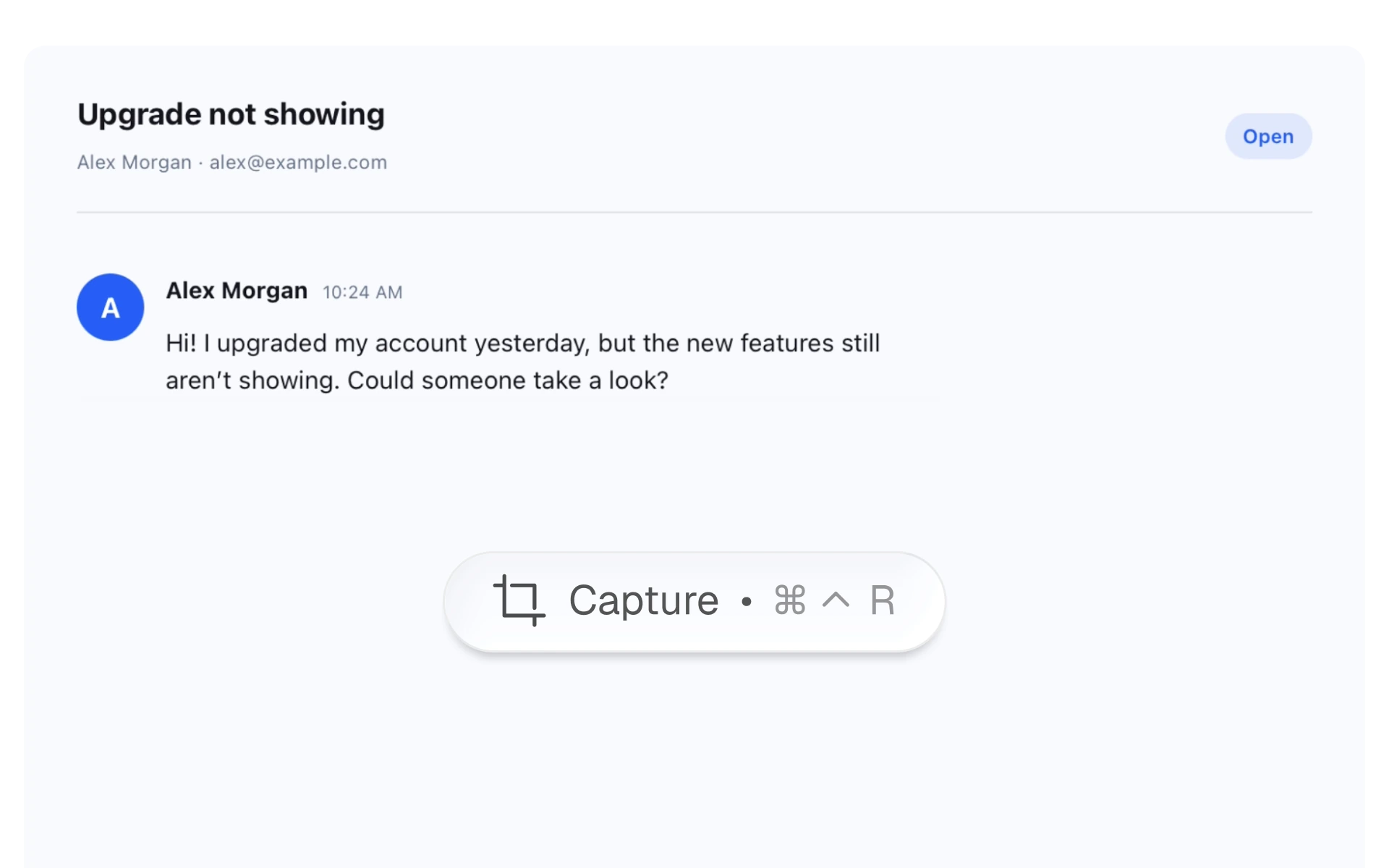
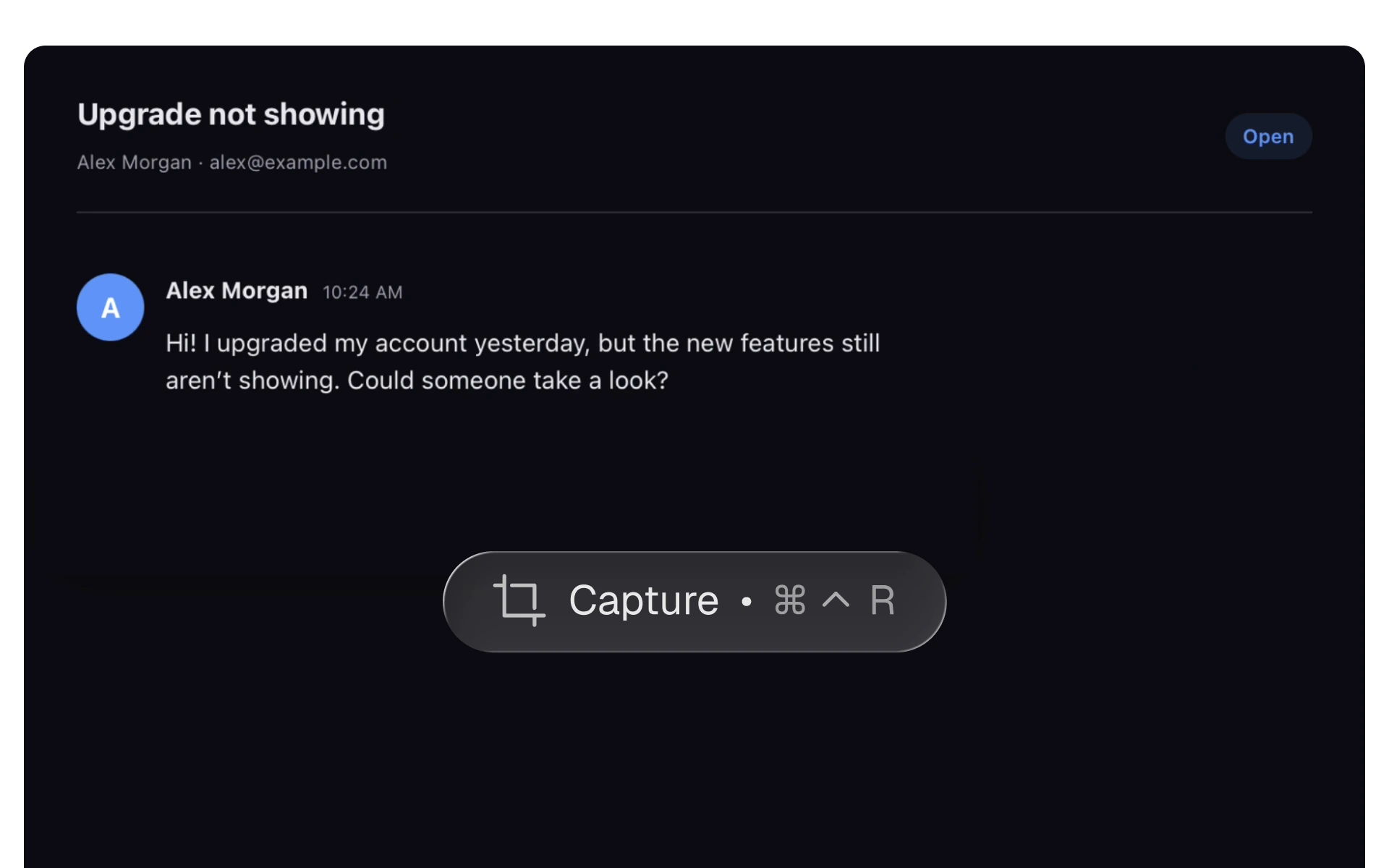
Use the configurable global hotkey without switching apps or copying the conversation first.
Works over any app you use.
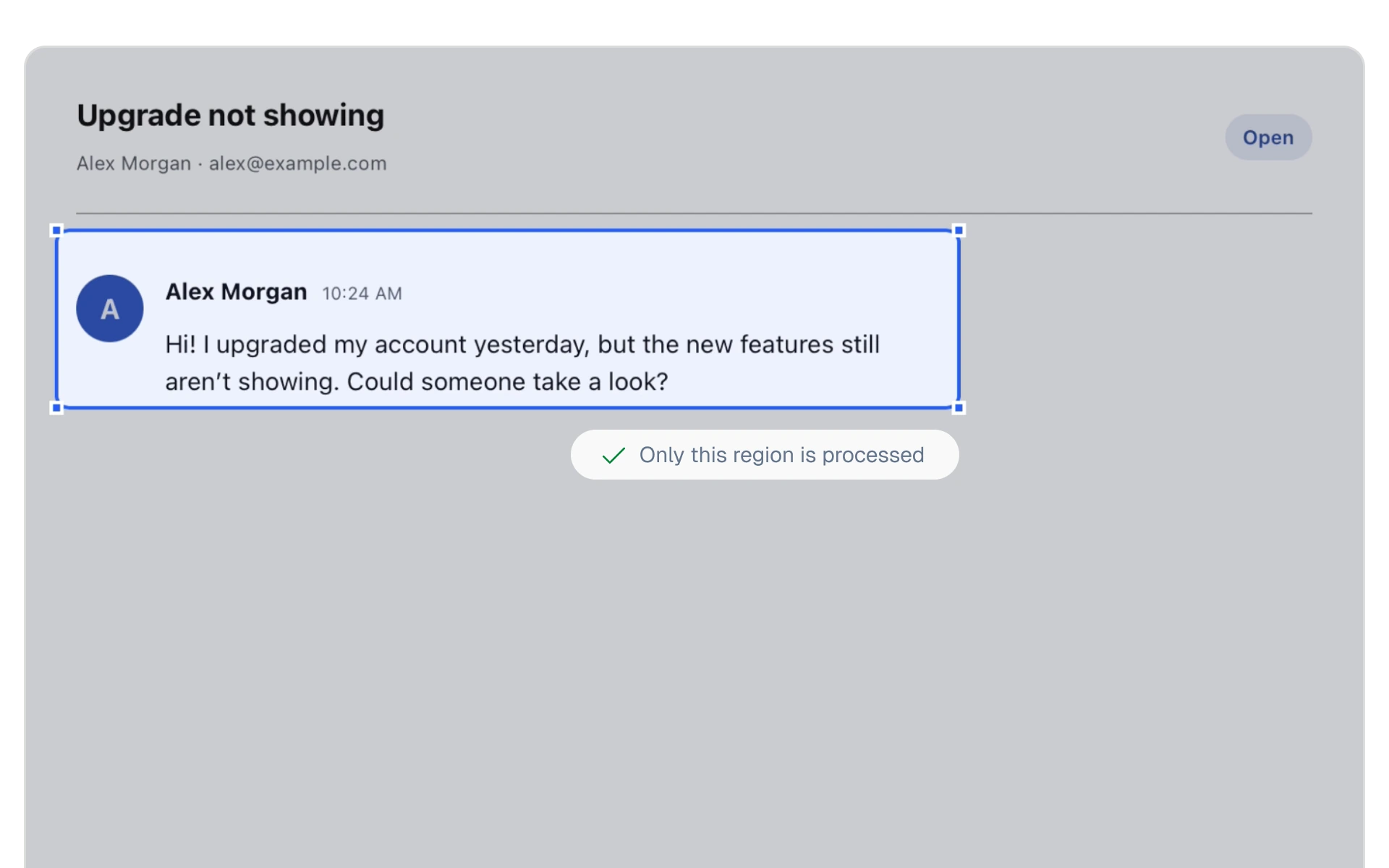
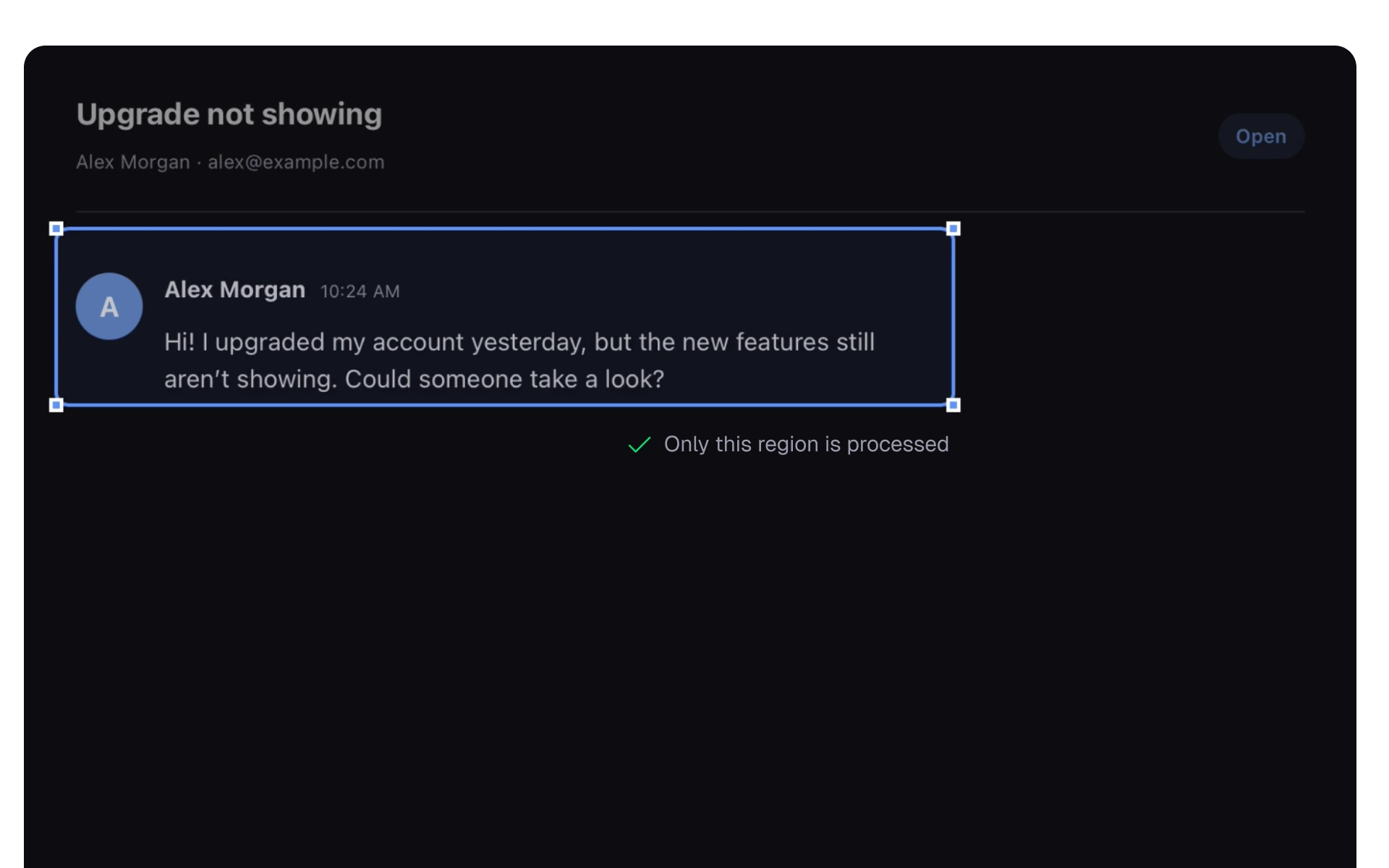
Your screen pauses while you draw around the exact context WriteButler should read.
Only the region you choose is processed.
Contextual replies stream beside the conversation. Copy one, refine it, or write your own.
You decide what gets sent.
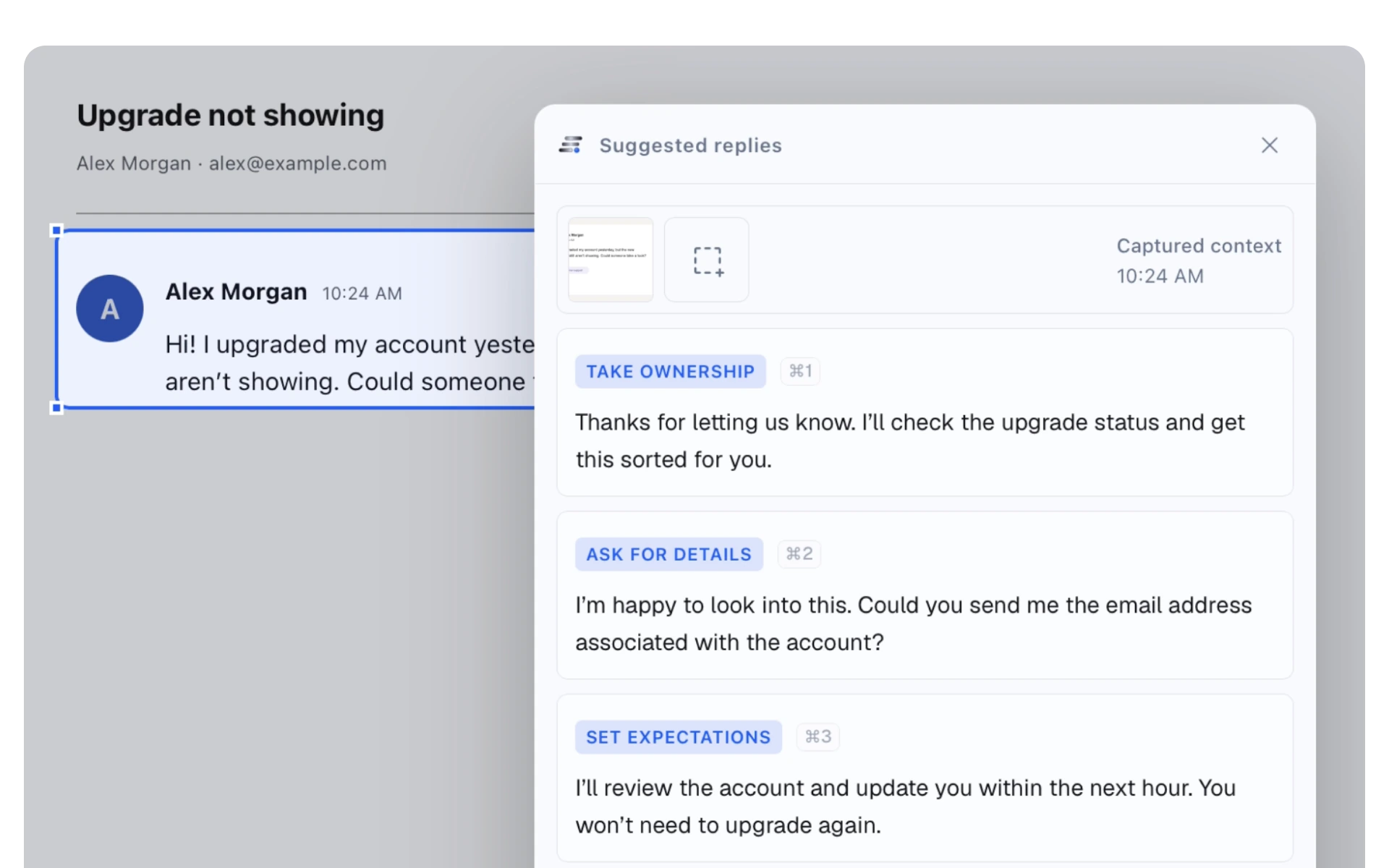
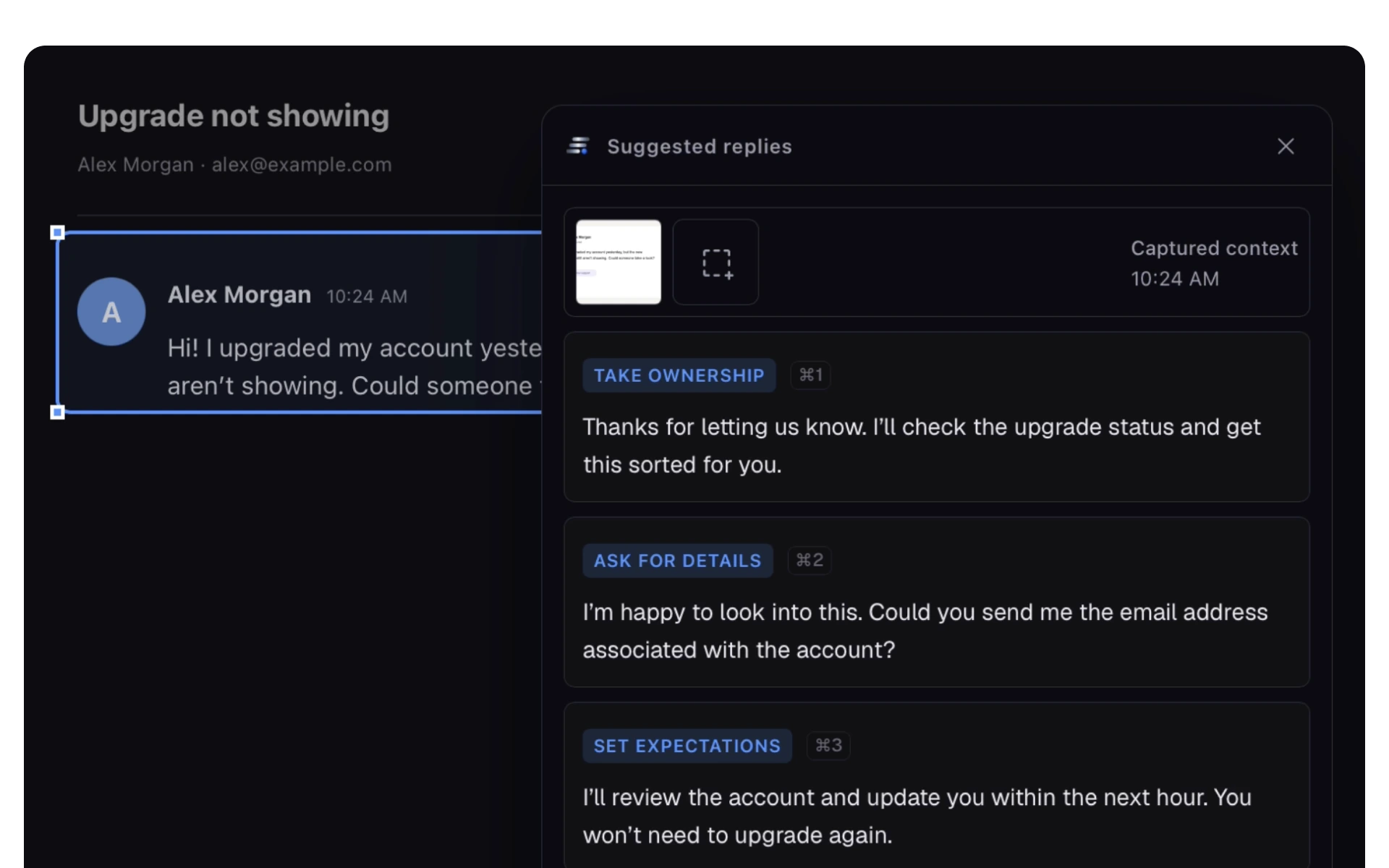
Two ways to write
Select a conversation and get distinct ways to respond, plus contextual directions when you need another angle.
Start with what you mean and get polished versions that keep your voice and fit the likely audience.
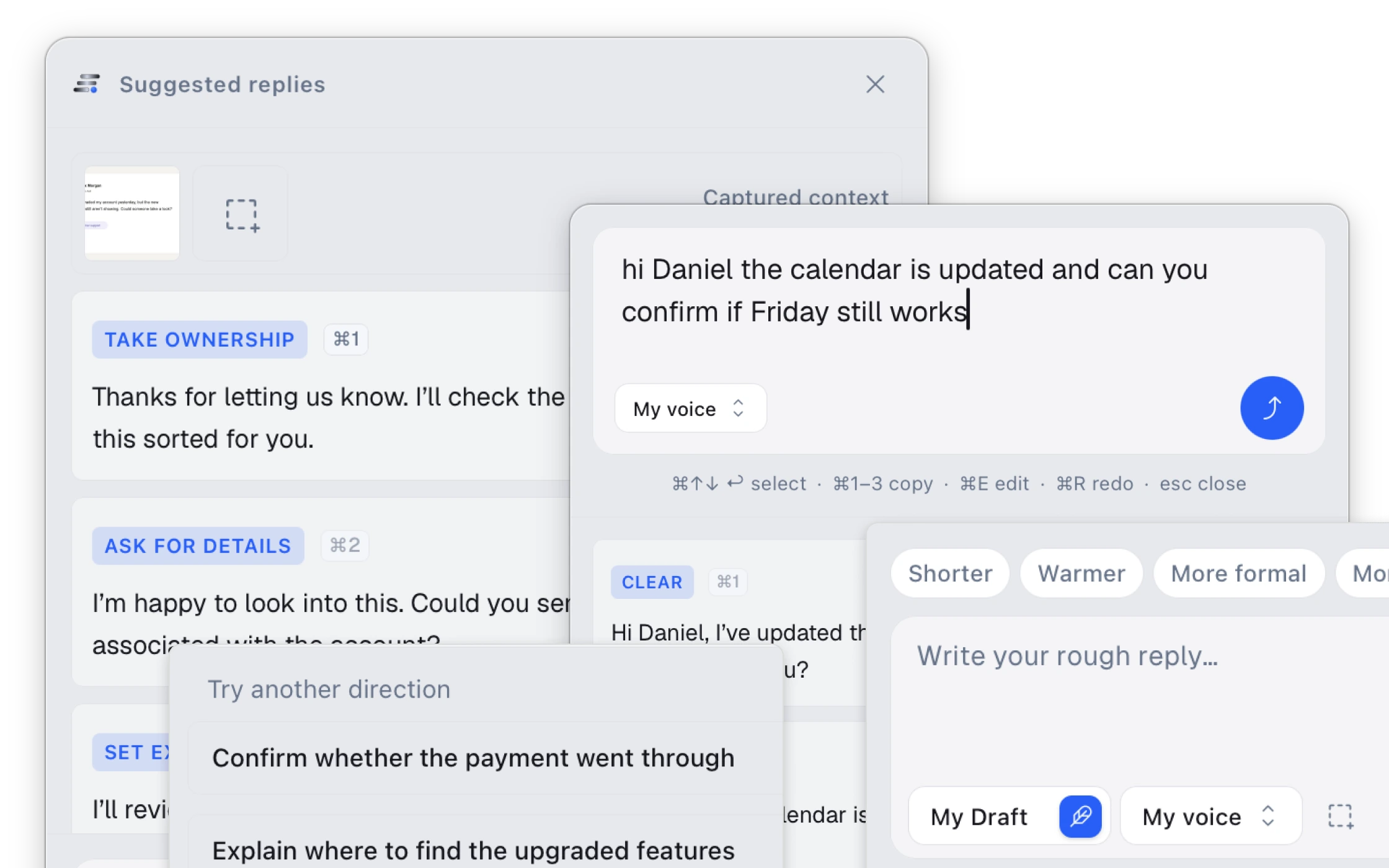
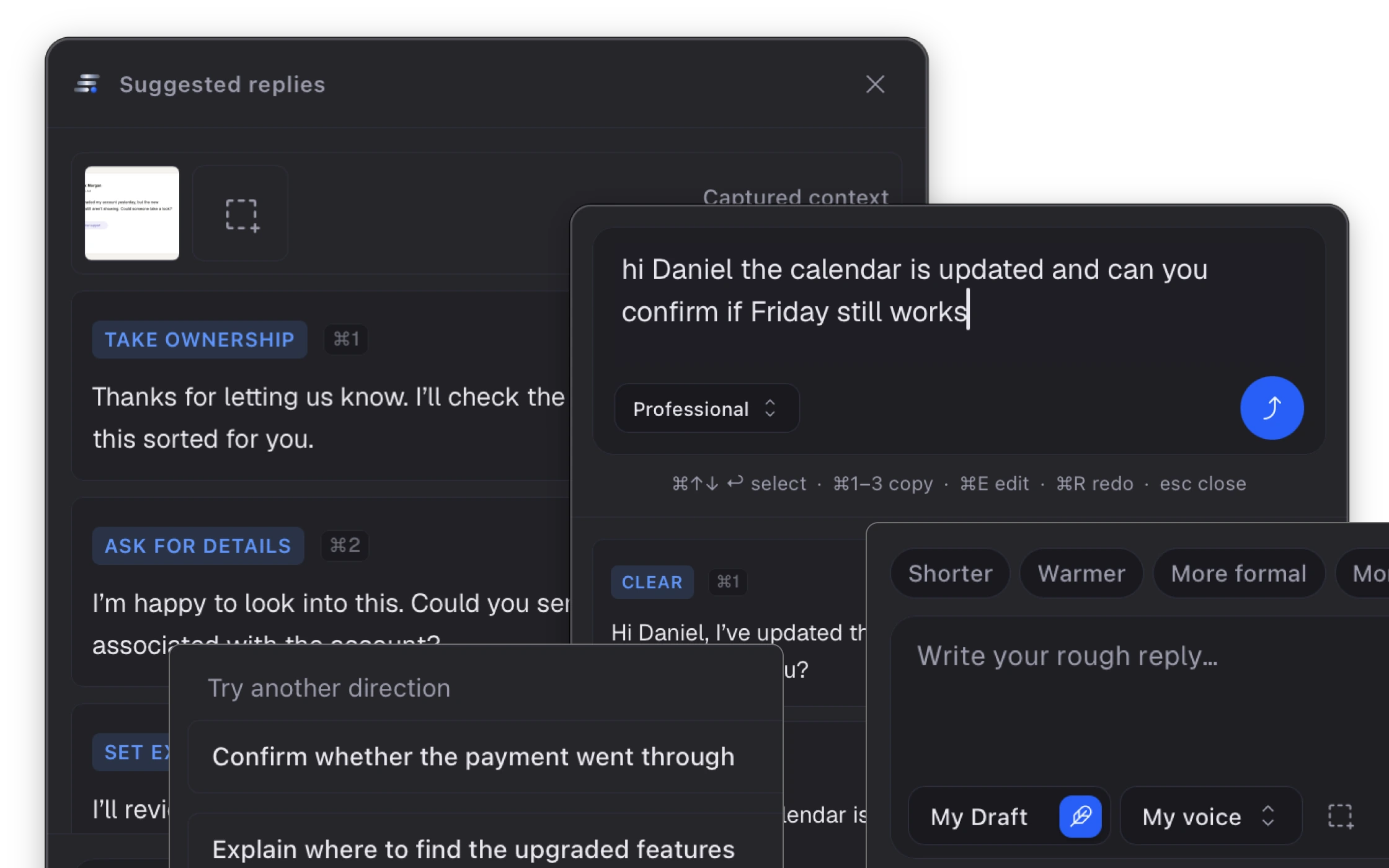
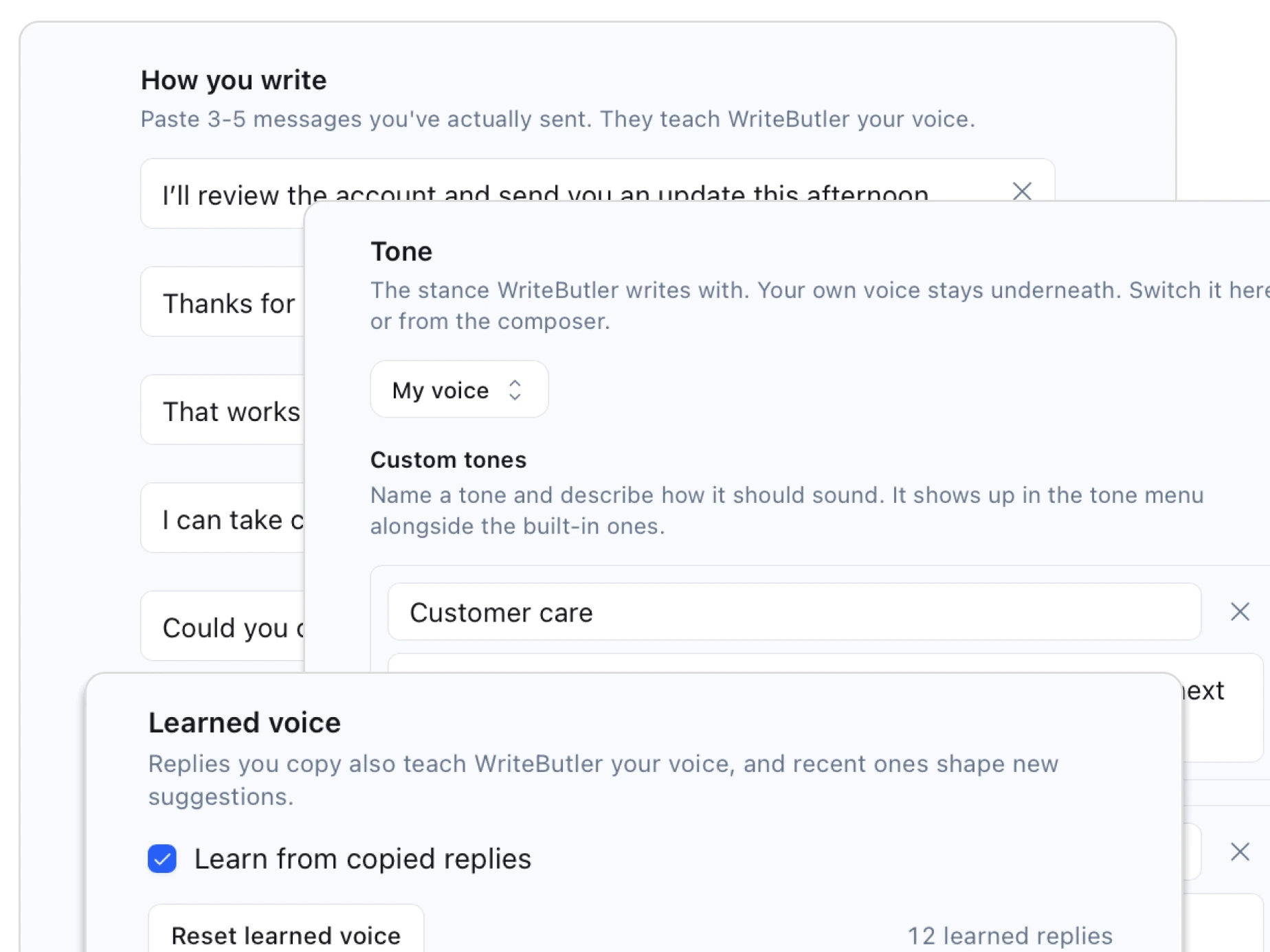
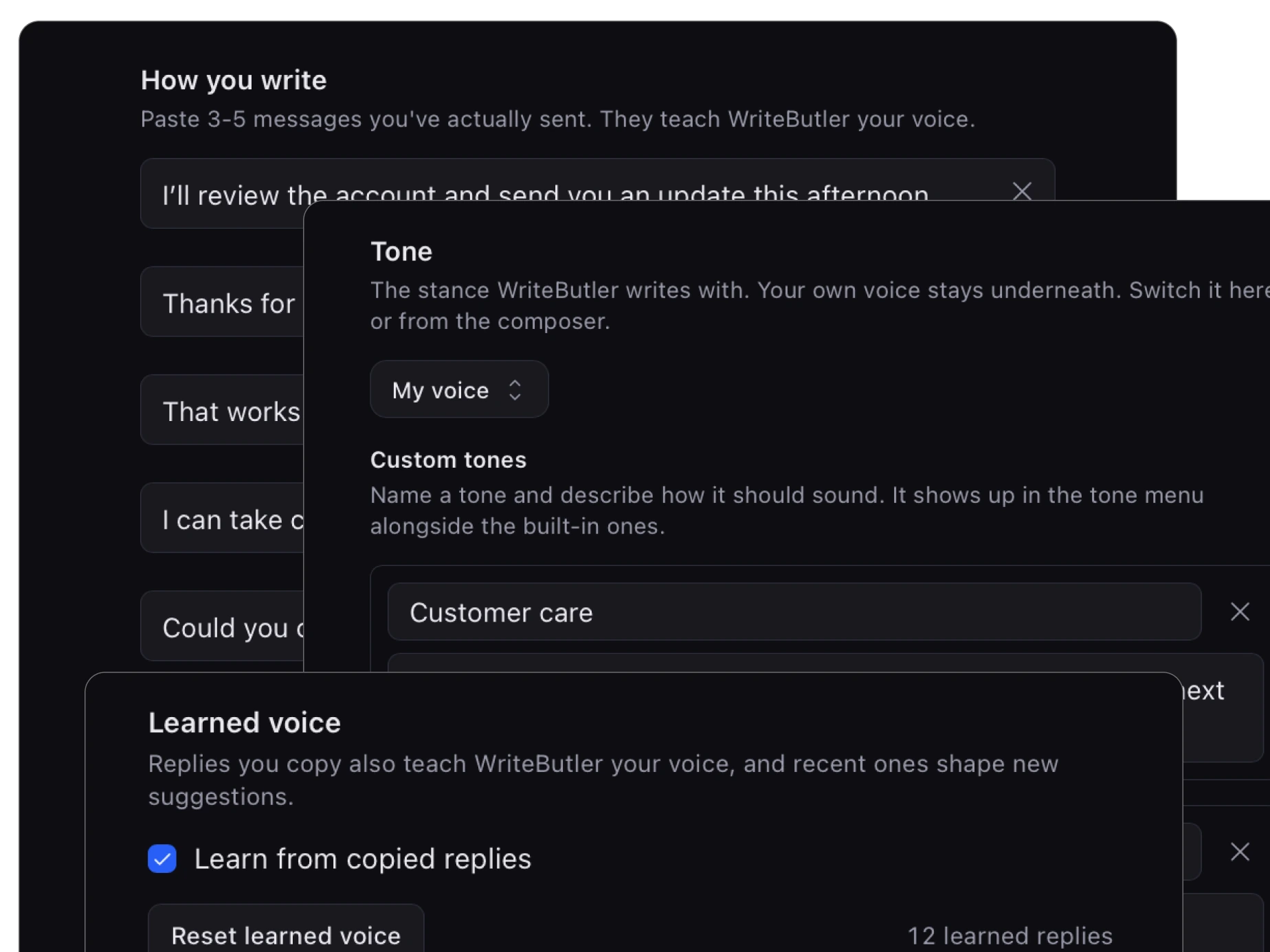
Learns with you
Give WriteButler a few examples, then let it learn from the replies you choose. You stay in control of every source.
Add a few real messages you have sent.
Replies you copy help shape what comes next.
Change the stance while your voice stays underneath.
Adjust the intention, return to unfinished work, and see useful replies before the full response is finished.
Ask for warmer, shorter, firmer, or more specific. Refine in place without starting the conversation over.
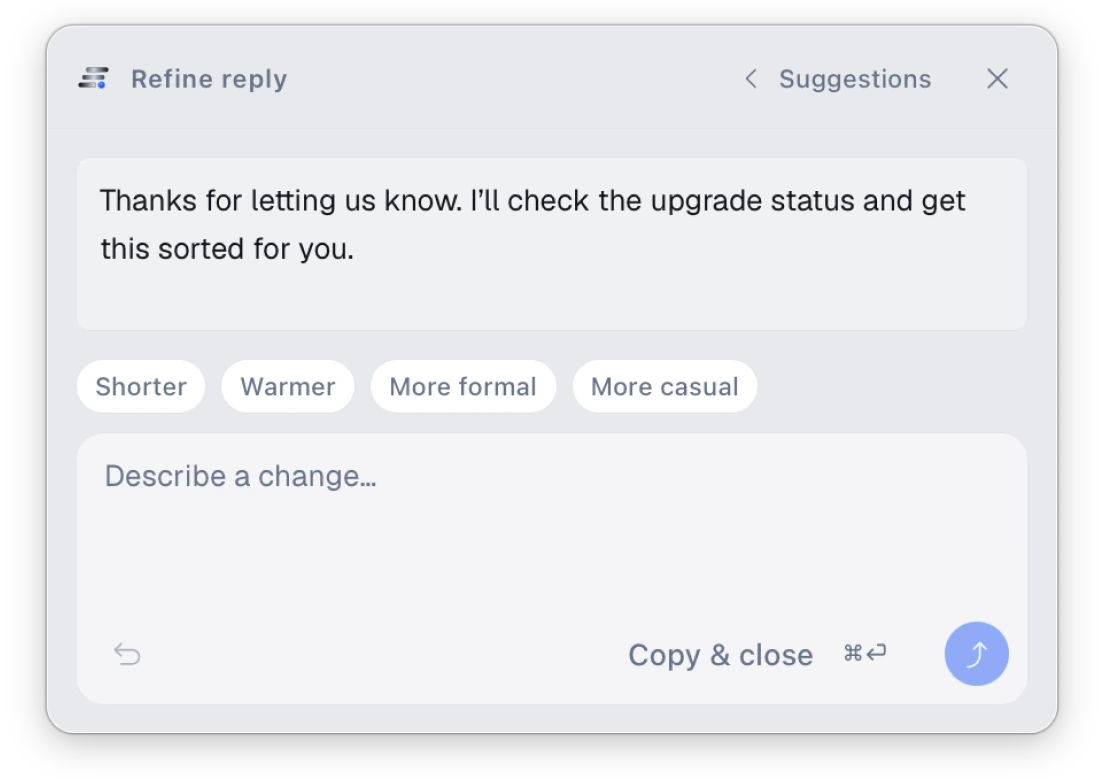
Choose between different intentions, not paraphrases of the same answer.
Return to recent captures and unfinished compose sessions.
Get useful suggestions in about five seconds, so you can keep moving.
Less reply work
Different roles, same bottleneck: too many messages that require context, judgment, and the right tone.
Answer customers quickly without sounding like a macro.
Move between clients and tools without carrying every conversation in your head.
Write clear, natural English without losing your personality.
Clear Slack, Linear, GitHub, and email without leaving your flow.
A request, start to finish
Only the region you drag over is shared. Nothing is watched passively.
The screenshot is used for that request and is not retained afterward.
The reply is copied to your clipboard. WriteButler never posts for you.
What stays where
Privacy and control
WriteButler starts with an explicit selection and ends with a reply on your clipboard. You remain in control at both ends.
Read the full privacy policy →Pricing
There is a free plan with a weekly allowance, so you can find out whether WriteButler sounds like you before paying anything.
Enough to find out whether it fits how you write.
No credit card, no expiry
For anyone answering messages all day.
Billed $86.40 yearly
Prices in USD. Paid plans are sold through Dodo Payments, our merchant of record, who handle payment and any sales tax or VAT due where you are.
Get replies that understand the conversation, match how you write, and leave the final decision with you.
Free plan · Pro $9/month, or $7.20 billed yearly · 30-day refund